

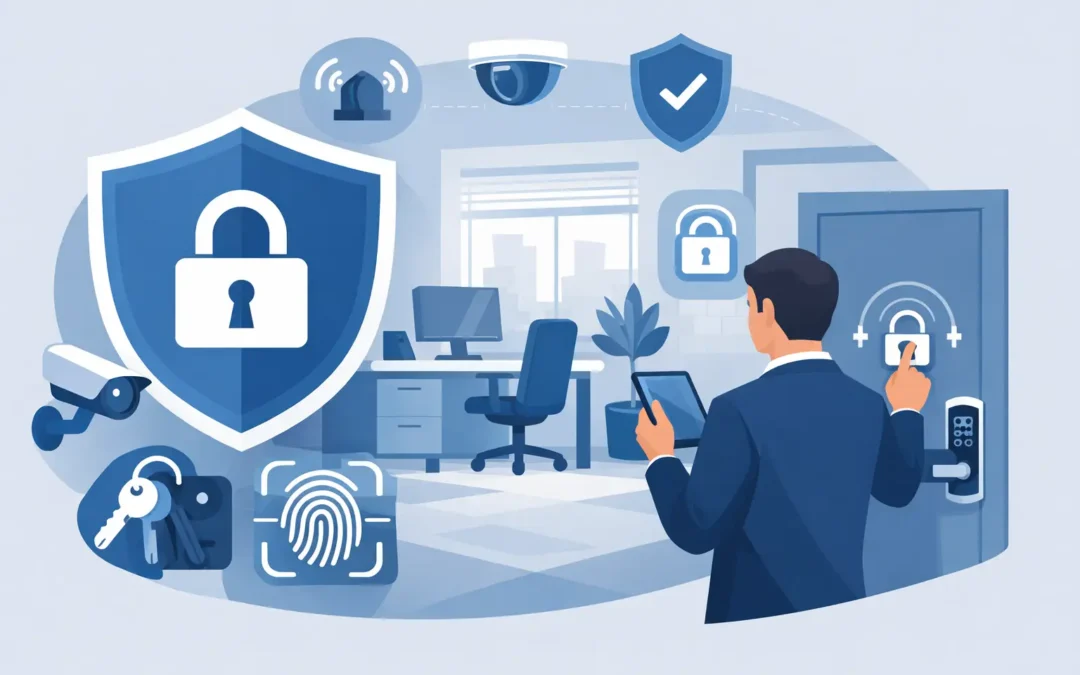
A small office usually has a few predictable weak spots – the front door, a back entrance, shared keys, packages left in plain view, and routines that make it easy to assume nothing will go wrong. That is exactly why knowing how to secure a small office matters. Most problems start with simple gaps, not dramatic break-ins.
The good news is that office security does not have to be complicated to be effective. For most small businesses, the right approach is a clear plan that covers physical entry, visibility, alarm monitoring, and everyday staff habits. If you focus on those basics first, you can improve protection without turning your office into a fortress.
How to secure a small office starts with the real risks
Before buying equipment, take a quick look at what you are actually trying to protect. In some offices, the main concern is theft of laptops, cash, tools, or inventory. In others, it is unauthorized access to records, after-hours entry, or employee safety when someone opens or closes alone.
Walk the space like a stranger would. Check which doors are easiest to approach without being seen. Look for windows near ground level, blind spots around dumpsters or side gates, and areas where deliveries pile up. Notice whether a former employee could still get in with an old key or code. These are often the issues that matter more than high-end gear.
A simple risk review also helps you avoid overspending. A five-person office with one public entrance needs a different setup than a medical billing office with sensitive records or a retail-adjacent space that handles cash. Good security should fit the office, not the other way around.
Start with the doors, locks, and access rules
Most office security decisions come back to one question: who can get in, when, and how easily can that access be controlled? If you only fix one area first, start here.
Exterior doors should be solid, close properly, and lock reliably every time. A quality deadbolt or commercial-grade lock matters more than decorative hardware. If a back door sticks, does not latch cleanly, or gets propped open for convenience, that weakness can cancel out every other security measure in the building.
Keys also create problems faster than many owners expect. Physical keys are easy to copy, hard to track, and often stay in circulation longer than they should. If your office has regular staff turnover, cleaners, vendors, or part-time workers, keypad or credential-based entry may be easier to manage. The benefit is not just convenience. You can change access codes quickly, limit access by schedule, and avoid rekeying the whole office every time someone leaves.
That said, electronic access is not automatically better for every small office. If your team is very small and turnover is low, a strong lock policy and controlled key access may be enough. The point is to use a system you can manage consistently. A simple setup that is actually maintained is better than a more advanced one that everyone works around.
Alarm systems matter because offices are empty for long stretches
For many small businesses, the office is most vulnerable when no one is there. Nights, weekends, and holiday closures create long windows of opportunity. That is where a monitored alarm system can make a real difference.
Door and window sensors are the basic starting point. Motion detection adds another layer inside the office, especially in areas with valuable equipment or records. If you have a stock room, server closet, or private office with sensitive information, those spaces deserve separate attention.
The best alarm setup is one your team can arm and disarm without confusion. Complicated routines lead to false alarms, and repeated false alarms often lead to bad habits. Employees stop using the system properly, or management starts leaving it off to avoid frustration. Clear instructions, simple user permissions, and regular code updates help prevent that.
Monitoring is worth considering if your office is empty after hours or if you cannot rely on someone nearby to respond quickly. A local siren may scare off some intruders, but monitoring adds a response path when no one is around to act.
Cameras help, but placement matters more than quantity
A few well-placed cameras usually do more for a small office than a large, messy system with poor coverage. You want clear views of entry points, reception or front counter areas, and any space where expensive equipment, inventory, or sensitive files are kept.
Exterior cameras should cover the main entrance, back door, and any side approach that is not visible from the street. Interior cameras can help document who entered, when they arrived, and what areas they accessed. This can be useful not only for crime prevention but also for resolving disputes about deliveries, visitor access, or after-hours activity.
The trade-off is privacy. Cameras should support safety, not create discomfort or legal problems. Avoid placing them in bathrooms, private changing areas, or anywhere employees would reasonably expect privacy. In break rooms or shared office areas, be thoughtful and transparent about what is being monitored and why.
Video quality also matters. Grainy footage that cannot identify a face or read a license plate has limited value. It is better to have fewer cameras with useful coverage than more cameras that only give you a vague record of what happened.
Lighting and visibility still do a lot of work
Lighting is one of the simplest ways to improve office security, and it often gets overlooked because it is not flashy. A well-lit entrance, parking area, and walkway make it harder for someone to approach unnoticed and easier for staff to enter and leave safely.
Inside the office, visibility matters too. If your front windows are completely blocked by signage, stacked boxes, or closed blinds all the time, you may be creating cover for unwanted activity. The right balance depends on your business. Some offices need privacy. Others benefit from keeping reception or entry areas visibly active from the outside.
Trim landscaping that blocks doors or windows. Remove clutter near entrances. Keep valuables out of direct sight from the street. These are low-cost fixes, but they close off easy opportunities.
Don’t ignore the people side of office security
If you are thinking about how to secure a small office, remember that daily habits are part of the system. A locked door does not help much if employees buzz in anyone who looks familiar, share alarm codes, or leave a side entrance open during deliveries.
Set a few simple rules that people can actually follow. Visitors should be acknowledged and directed, not allowed to wander. Employees should know who opens and closes the office, who arms the alarm, and what to do if they notice a problem. If someone loses a key or leaves the company, access should be changed right away.
This does not need to become a big policy manual. In a small office, short and clear usually works better. The main goal is consistency. Most preventable security problems come from informal shortcuts that slowly become normal.
Protect what is inside, not just the perimeter
A secure entrance is important, but it should not be your only layer. If someone gets in, what can they reach? Laptops left in open view, petty cash in unlocked drawers, paper files stacked in common areas, and unsecured backup drives all create easy losses.
Use locking cabinets or restricted rooms for records, checks, spare devices, and other sensitive materials. If certain assets are especially valuable or regulated, keep access limited to the people who truly need it. That protects the business and also reduces confusion about responsibility.
Cybersecurity matters here too, even in a physical security conversation. A stolen laptop, an exposed Wi-Fi password, or a receptionist computer left unlocked can create a bigger problem than damaged property. Physical and digital security often overlap in small offices because the same few devices hold customer records, payroll data, and business operations.
Build a setup that is easy to maintain
The biggest mistake many small offices make is choosing security tools they will not keep up with. Dead batteries, outdated user codes, cameras with no storage, and staff who do not know how the system works are common problems.
Aim for a setup that fits your budget and your team’s capacity. Test alarms. Review camera views now and then. Update codes when staffing changes. Check that exterior lighting still works. These tasks are not glamorous, but they are what make the system dependable.
If you work with a provider, clarity matters. You should understand what is being installed, what is being monitored, and who to call when something needs attention. That straightforward approach is often what small businesses need most. Companies like Simple Security Solutions appeal to office owners for that reason – clear service, practical recommendations, and no extra complexity.
A secure small office is usually not the result of one expensive product. It comes from making the space harder to access, easier to monitor, and simpler for your team to protect every day. Start with the obvious gaps, fix the habits that create risk, and choose security you will actually use.