

A keyless entry review should answer a simple question: will this make your property easier to access without making it easier to compromise? For many homes and small businesses, the answer is yes – if the lock is chosen, installed, and managed with basic security habits in mind. The convenience is real, but a keypad or app does not replace good doors, solid hardware, and careful access control.
Keyless entry systems replace or supplement a traditional metal key with a PIN code, mobile app, key fob, card, or fingerprint reader. They can be a practical fit for busy households, rental properties, offices, and storefronts where several people need access at different times. The best choice depends less on the newest feature and more on how people actually use the door.
Keyless Entry Review: The Everyday Benefits
The clearest benefit is not having to make, carry, collect, and replace as many physical keys. A homeowner can give a dog walker a temporary code. A property manager can change access after a tenant moves out without immediately rekeying the lock. A small business owner can assign separate codes to employees and remove one when a role changes.
That control can reduce everyday friction. It also creates a better record of access when a system keeps an activity log. If the back door was opened at 7:15 a.m., you may be able to see which code was used. This is useful for accountability, but it should not be treated as proof of who walked through the door. Codes can be shared, and people can hold a door open for someone else.
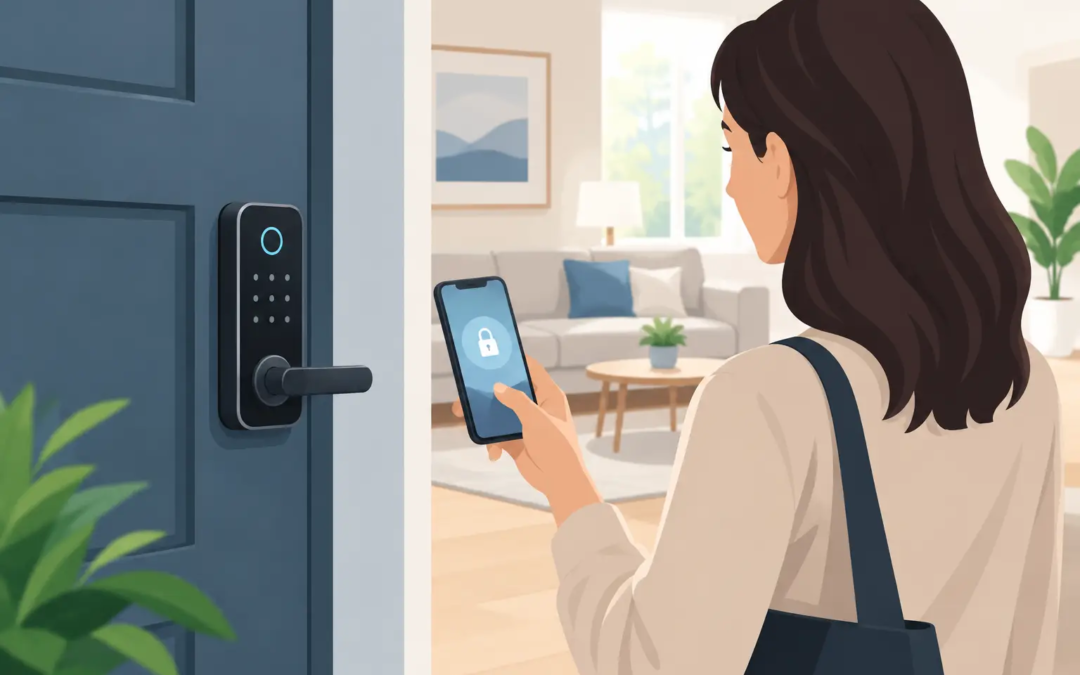
Remote control is another reason many buyers consider smart locks. Depending on the model and setup, you may check lock status or secure the door from an app. This is helpful when you are already away and cannot remember whether you locked up. It is a convenience feature, not a reason to skip checking that the door is fully closed and aligned with the frame.
For renters, keyless entry can be especially appealing when the lock can be installed without changing the whole door. Before purchasing, review lease terms and ask the property owner what changes are allowed. Some smart locks fit over an existing deadbolt on the interior side, while others require replacing the complete lock.
Where Keyless Locks Need a Closer Look
A keyless lock has more moving parts than a standard deadbolt. That does not make it a bad choice. It does mean reliability depends on details that are easy to overlook during a quick product comparison.
Battery life is one of them. Most keypad and smart locks run on replaceable batteries. A low-battery warning gives you time to change them, but only if notifications are enabled and someone pays attention. Keep the recommended batteries on hand and set a reminder to replace them before a busy travel season or cold weather. Many locks also provide an emergency power option or a mechanical key override, but those backups vary by model.
Connectivity is another trade-off. Bluetooth-controlled locks often work well close to the door and may not require a separate hub. Wi-Fi models can provide broader remote access, but they rely on stable home or business internet and may use battery power faster. Systems connected to a security platform can be convenient if you already use compatible cameras, alarms, or monitoring, but compatibility should be confirmed before buying.
A lock that depends on an app can also create problems if every authorized person is not comfortable using a smartphone. A physical keypad is often the simplest option for families, cleaners, contractors, and employees. For a small office, a keypad with individual codes may be more practical than requiring every person to download an app.
What to Check Before You Buy
Start with the door, not the feature list. Measure the door thickness and backset, and look at the condition of the deadbolt, strike plate, frame, and hinges. A quality electronic lock cannot compensate for a weak frame or a strike plate attached with short screws. If the door sticks, the deadbolt may struggle to extend correctly, draining batteries and causing lock errors over time.
Then consider the access methods you will truly use. A keypad and a mechanical key backup may be enough for a household. A rental property may benefit from temporary codes that expire automatically. A small business may need individual user codes, scheduled access hours, and a history of entry events. Paying for advanced features that no one will manage is not a good value.
Look for a lock rated for exterior use and suited to your local weather. Heat, rain, humidity, and freezing temperatures can affect electronics and battery performance. If the lock will be installed on a gate, detached building, or exposed side door, confirm that it is designed for that environment rather than assuming any smart lock will hold up outdoors.
It is also worth asking how the lock handles failed connections. Can people still enter with a PIN if the internet is down? Can you use a physical key if the batteries fail? Does the app require a paid subscription for important functions? Clear answers to these questions matter more than a long list of app features.
Security Features That Actually Matter
For exterior doors, use a deadbolt-style lock from a reputable manufacturer and follow the installation instructions carefully. A lock with a recognized residential security rating can provide useful context, but the complete door assembly still matters. The lock, strike plate, screws, frame, and door material all work together.
Choose unique PINs rather than easy patterns such as 1234, a street number, or a birthday. Do not reuse the same code for every person. Individual codes make it easier to remove access without disrupting everyone else. Change codes after a contractor finishes work, an employee leaves, or a tenant moves out.
If the lock uses an app, protect the account with a strong, unique password and multi-factor authentication when available. Keep the app and lock firmware current. Updates can fix reliability issues and security weaknesses, and postponing them indefinitely can leave a connected device less protected than it should be.
For properties with several users, establish a simple access policy. Decide who can add users, who receives alerts, and when temporary codes expire. This may sound formal for a home or small shop, but a few basic rules prevent confusion. Security is easier to maintain when responsibility is clear.
Keyless Entry for Homes, Rentals, and Small Businesses
Homeowners often get the most value from convenience: hands-free routines, temporary guest access, and confirmation that a door is secured. A keypad deadbolt with a dependable backup method is usually the right starting point. More connected features can help, but they are optional.
Rental owners and property managers may see the biggest advantage in code changes between occupants. This can reduce the need to collect keys and coordinate rekeying for every turnover. Still, access procedures should be consistent. Remove old codes promptly, document who can manage the account, and make sure emergency access is addressed.
Small businesses should think about access by role. Employees may need access during set hours, while vendors may need a temporary code for a specific day. If there is frequent turnover or sensitive inventory, a system with individual credentials and event records is worth considering. For a single low-traffic office, a simpler keypad lock may be easier to run and just as effective.
The Bottom Line on Keyless Entry
Keyless entry is a practical upgrade when it solves a real access problem. It is not automatically safer than a well-installed traditional deadbolt, and it is not automatically less safe either. The result depends on the quality of the hardware, the condition of the door, the backup options, and how carefully codes and app access are managed.
The right system should feel straightforward on a normal Tuesday morning, not just impressive on the day it is installed. Choose the features your household or business will use, maintain the lock as you would any other security device, and keep a dependable backup plan for power, batteries, and emergencies.