

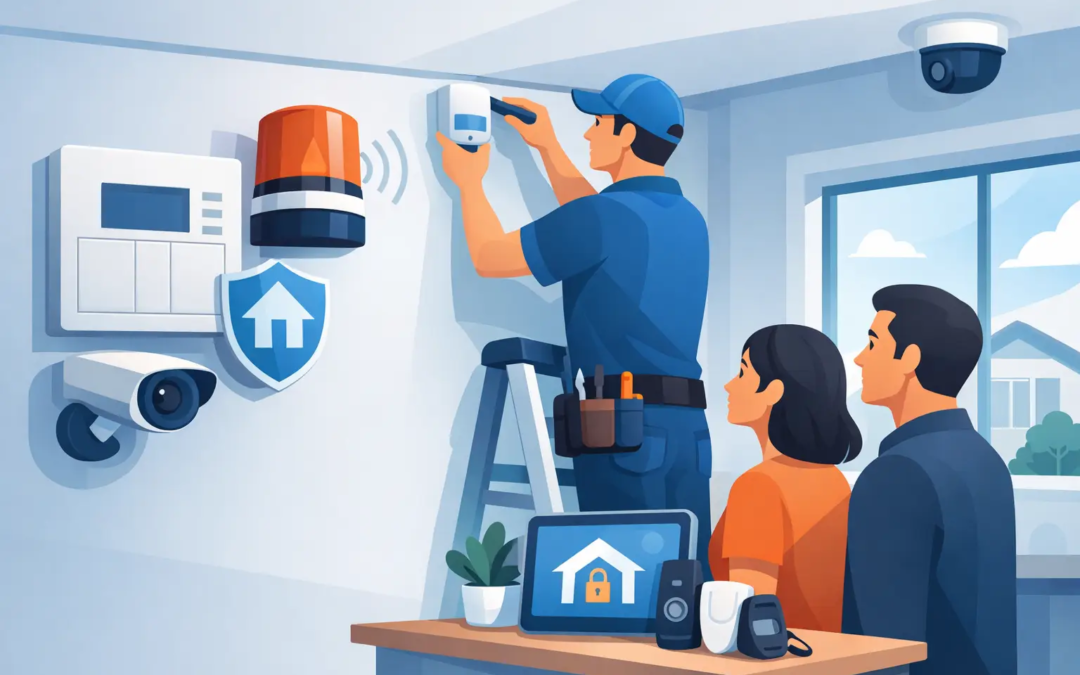
A new alarm system should not feel like a mystery project happening around your home or business. If you are wondering what happens during alarm installation, the process is usually practical and straightforward: a technician reviews the property, places the right devices in the right locations, connects the system, tests it, and shows you how to use it.
The exact timing and equipment depend on the size of the property, whether the system is wired or wireless, and the protection you need. A small apartment with a few entry points may be completed quickly. A larger home, office, retail space, or property with multiple access points may take longer because proper placement and testing matter.
The appointment starts with a property walk-through
Before equipment goes on the wall, the installer should walk through the property with you. This is the time to point out the doors, windows, rooms, storage areas, and business assets that matter most to you.
For a home, the conversation may focus on front and back doors, garage access, basement windows, and the main paths someone could take after entering. For a small business, it may also include employee entrances, stockrooms, office areas, equipment closets, and customer-facing doors.
This walk-through is not about making every room look like a security control center. It is about identifying realistic risks and choosing coverage that makes sense. A technician may recommend a motion detector for an open living area or office, for example, while door and window contacts cover specific entry points.
You should also discuss how the property is used. If you have pets, children, cleaners, employees, or regular deliveries, those details affect how the system should be set up. A motion detector that works well in one space may need a different location or setting in a home with a large dog. In a business, staff access schedules may shape how arming and disarming are handled.
Device placement is based on access and everyday use
Once the plan is clear, the installer places the main components. Most alarm systems include a control panel or keypad, door and window sensors, motion detectors, and an audible alarm. Depending on the system, there may also be smoke, carbon monoxide, flood, glass-break, or panic devices.
The control panel or keypad is often placed near a main entrance so it is easy to arm the system when leaving and disarm it when returning. It should be accessible to you but not positioned where it can be easily damaged or overlooked. In a business, a keypad may be placed near an employee entrance, behind a counter, or in a manager-accessible area.
Door and window sensors are installed in a way that lets the system recognize when an opening is opened or closed. Motion detectors are normally positioned to watch key paths through the property rather than every square foot. The goal is effective detection without creating needless false alarms.
A good installer also considers daily life. They should avoid placing a keypad where it is blocked by furniture, put sensors where they are likely to be bumped, or install motion devices directly in a spot that may create avoidable pet activity alerts. If you have a concern about how a device will look or function in a particular area, ask before it is installed.
Wired and wireless installations can look different
Wireless systems are common because they can often be installed with minimal disruption. Devices communicate with the control panel by secure wireless signals, so there may be little or no need to run new wiring through walls.
A wired system may take more planning, especially in an existing building. Wiring can offer certain advantages in some properties, but installation may involve routing cables through walls, ceilings, basements, or utility spaces. The right option depends on the property, the equipment selected, and how much work is appropriate for the space.
For renters, wireless equipment can be especially appealing because it may reduce permanent changes to the property. Still, renters should review lease requirements before installation, particularly if any mounting or drilling is involved.
The system is connected and configured
After devices are mounted, the installer connects them to the alarm system and assigns them to the correct zones or locations. This step gives the system useful information. Instead of simply reporting that something happened, it can identify whether the event came from the front door, a basement window, a motion detector, or another device.
The installer will also configure basic operating settings. That may include entry and exit delays, chime settings, user codes, app access, and notification preferences. Entry delay is the amount of time you have to disarm the system after opening a protected door. Exit delay gives you time to leave after arming it.
These settings should fit your routine. A very short entry delay can feel stressful when you are carrying groceries or helping children inside. A delay that is too long may not suit every business environment. There is no single setting that works for everyone, which is why this part of the installation should be discussed rather than rushed.
If professional monitoring is part of your service, the system may also be connected to the monitoring center during setup. The installer can confirm the account details and verify the communication path. Depending on the equipment, that connection may use cellular service, internet service, or another supported method.
Testing confirms the alarm works as expected
Testing is one of the most important parts of what happens during alarm installation. The technician should test each installed device and verify that the control panel receives the right signal.
That can include opening protected doors and windows, walking through motion detection areas, activating panic functions where applicable, and checking that alarms and notifications work correctly. If monitoring is included, the technician may place the system in test mode and confirm that alarm signals reach the monitoring center.
This is also when small adjustments are made. A sensor may need to be realigned, a motion detector angle may need to be changed, or a delay setting may need to be revised. These adjustments are normal. Testing helps catch issues before the installer leaves, not after you are relying on the system.
Do not be concerned if the alarm sounds briefly during testing. The installer should let you know before activating it and should make sure any test signals are properly handled. If you live in a shared building or operate a business near other tenants, it is reasonable to ask how testing will be managed to minimize disruption.
You receive a clear walkthrough before the appointment ends
The final part of the visit is your chance to learn the system without pressure. The installer should show you how to arm and disarm it, use the keypad or mobile app, respond to an alert, and avoid common false alarms.
Ask the technician to explain what each status message means and what to do if you accidentally trigger the alarm. If your system has separate modes, such as staying armed while you are home or fully armed while you are away, have them demonstrate the difference. You should also know how to change a user code and who to contact if you need support later.
For small businesses, it is helpful to decide who needs access and how codes will be managed. Individual user codes are generally easier to control than sharing one code among everyone. If an employee leaves, their access can be removed without changing the routine for the rest of the team.
Before the technician leaves, check that you understand the basics and that all promised devices are in place. Keep any instructions, account details, and contact information in a spot you can find later. If you are using an app, log in while the installer is there so any access issue can be addressed immediately.
What you can do before installation day
A little preparation can make the appointment faster. Make sure the installer can access the areas where devices may be placed, including utility spaces, garages, and any secured rooms. Clear furniture or stored items away from likely door, window, and keypad locations when possible.
Have your questions ready as well. You may want to confirm where the main panel will go, whether pets affect sensor placement, how power outages are handled, and whether the system needs an internet connection. If you are a property manager or business owner, decide ahead of time who should have administrator access.
A good alarm installation is not just about mounting equipment. It is about leaving you with protection that fits the property and a system you can use confidently. When the process is explained clearly, security becomes one less complicated thing to manage.